
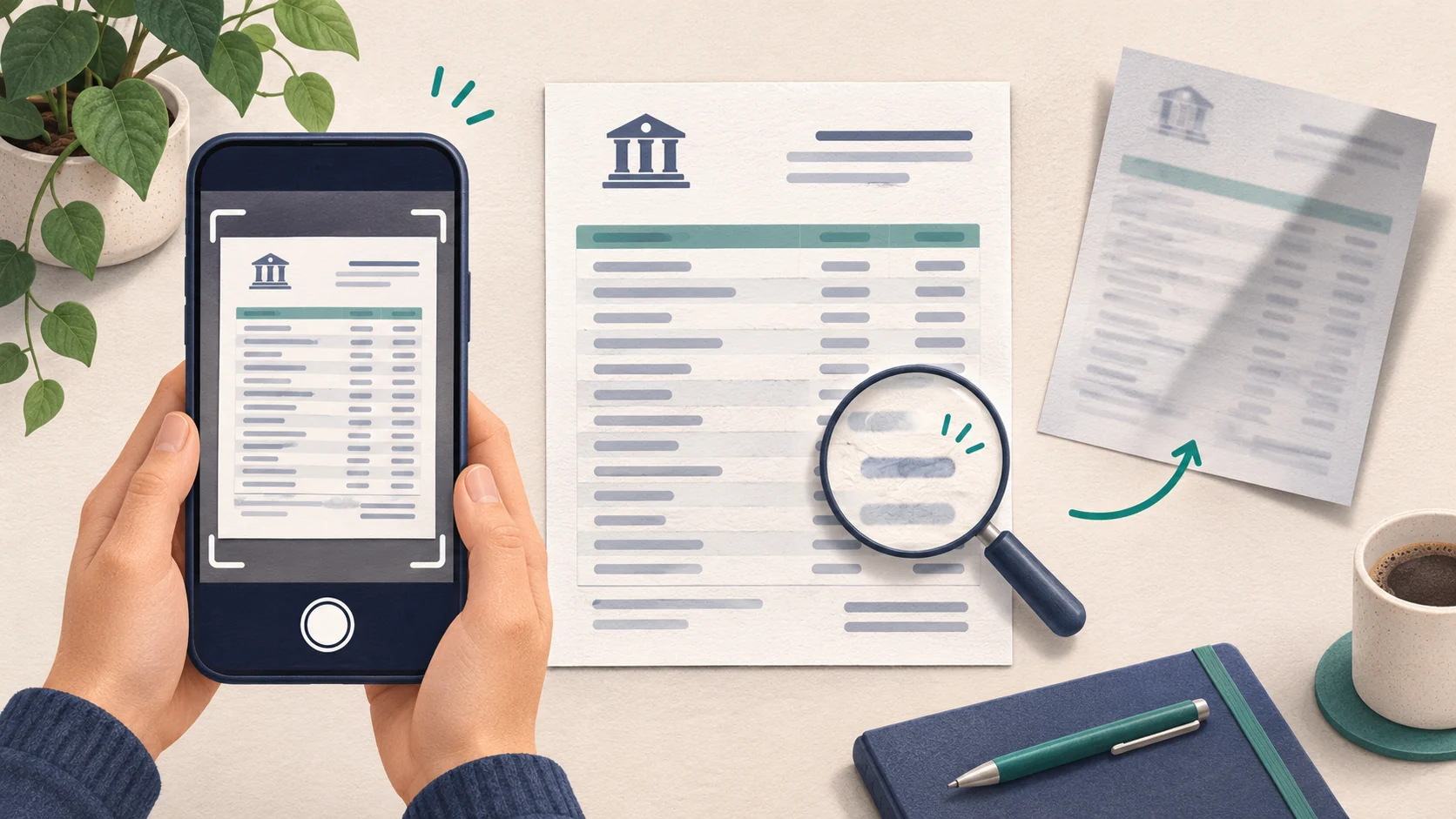
A scan can look tidy at normal size while hiding a faint decimal point or the last digit of an amount. Bank statement OCR reads information from an image; it cannot establish what an unreadable source ought to say. Before converting a scan to Excel, improve the source and decide which lines need human review.
Prefer the best source you can obtain
If the bank offers an original downloadable statement, use it rather than a photograph of a printout. Keep the original file unchanged. When only paper is available, capture every page in the statement cycle, including continuation pages and any page carrying balances or account details. A sharper image of an incomplete statement is still incomplete.
Capture whole, upright pages
Place the page flat, use even light and hold the camera parallel to it. Check for glare, folds, shadows and fingers covering a column. Keep the page edges visible and make sure small figures remain readable when enlarged. Check the first and last transaction on each page; they are easy to crop accidentally.
Rotate a working copy when necessary and retain the original capture. Avoid repeatedly compressing screenshots or applying strong filters that erase decimal points, minus signs or fine print. If an amount is still illegible, recapture the page or request another statement. Do not reconstruct it from a neighboring row.
Test one complete statement
Start with one account, one currency and a complete statement whose period you know. Keep the page order and compare the extracted rows with the source. Inspect faint figures, descriptions split across lines and repeated headers or page totals. A confidence indicator can direct attention; it is not proof that a row is correct.
For a fictional example, a folded page might make 18.90 look like 1890. Check the actual source before changing the export. If the mark remains ambiguous, leave the item unresolved and obtain a better copy. A plausible amount is not evidence.
Keep source review separate from import approval
Check dates, debit and credit signs, transaction counts and any available opening and closing balances. An arithmetic check can help reveal an error, but offsetting mistakes may cancel out. It does not replace reading uncertain lines or reconciling the accounting ledger.
Keep the original, the improved working copy and a note of corrections with their source references. Then use the destination's actual import instructions to check the CSV or XLSX. An accepted file does not establish accurate bookkeeping.
Try a small, reviewable batch in Manualess
Manualess accepts readable scans and photos and supports reviewing extracted transactions against their source before export. Its downloadable formats include CSV, XLSX, QBO, OFX, QFX and QIF; acceptance depends on the receiving software. Direct QuickBooks and Xero connections are still described as coming soon.
Try Manualess on the web with the current ten free pages. Use one complete, readable statement, resolve the uncertain rows, and inspect the export before processing the rest. If the source is unreadable, obtain a clearer copy first.
Bookkeeping cleanup checklist: Find missing bank statements first · PDF bank statement to Excel: a checklist before importing